Built for the counter, not adapted to it
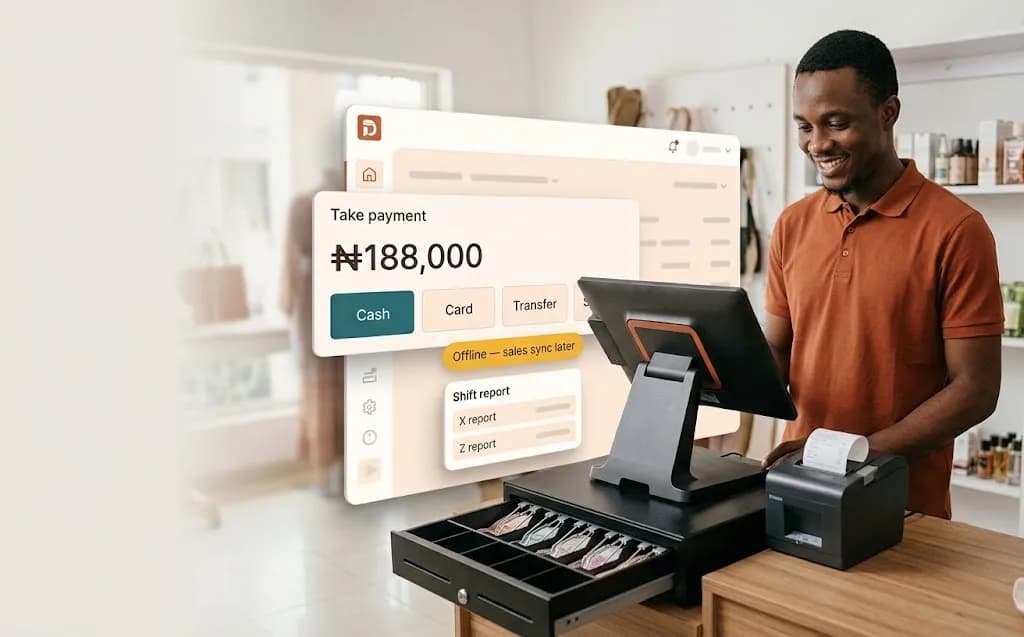
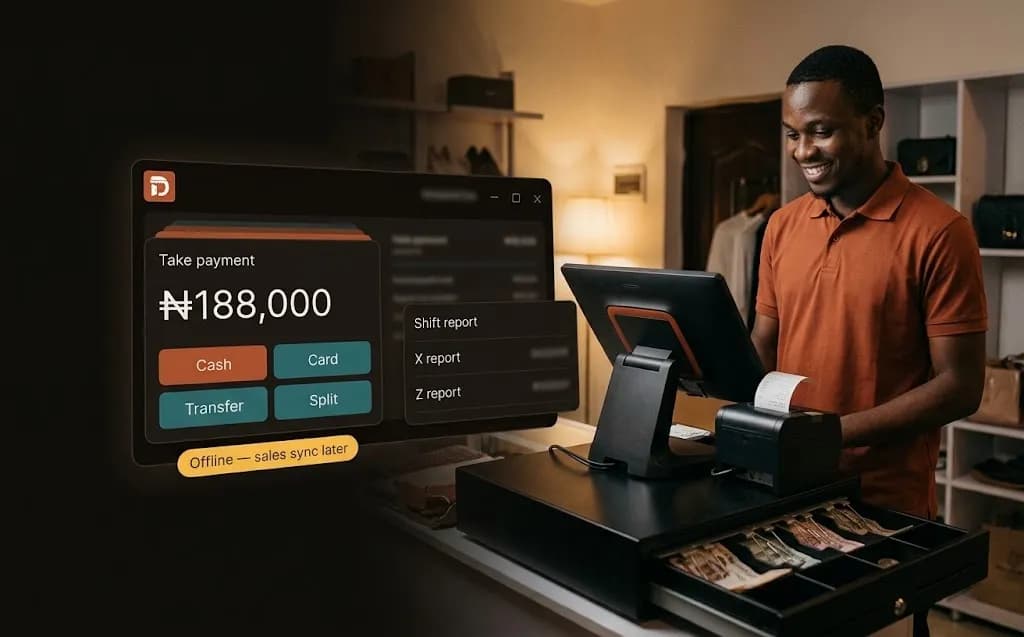
A dedicated Windows app, and the same till on a phone or tablet. Both share one inventory with your website and keep ringing up sales when the internet drops.
Power cuts and dead spots don't stop a sale
The POS holds every sale locally and syncs the moment it reconnects. Your staff keep serving customers; the numbers catch up on their own. And because it's the same stock as your website, the count stays honest across both.
Receipts print to a thermal receipt printer or any regular printer already installed on the till, so there's no special hardware to buy before you can open.
The same till, on the phone in your pocket
No Windows PC at the stall or the pop-up? Open the Destoh till in the browser on a phone or tablet, add it to the home screen, and pair it with a code from your dashboard. It sells offline, just like the desktop till, and shares the same stock.
- Barcode scanning with the phone's camera
- Receipts shared as a link, or straight to WhatsApp
- Cash, card, transfer and split payments
- Shifts, refunds and parked sales
- Optional Bluetooth receipt printer and scanner
- Add a customer to the sale by phone number or membership card
Everything a busy counter needs
The flows a checkout actually runs on, from opening the drawer to closing the shift.
Works offline, syncs later
Sales keep going without a connection and sync automatically the moment you're back online.
Fast PIN staff login
Staff sign in by PIN, separate from admin, with secure device pairing per till.
Shifts with X/Z reports
Open and close a till with cash-drawer X and Z reports, so every shift reconciles.
Print to any printer
Send receipts to a thermal printer or any regular printer already on the till. No special hardware.
Overrides & rounding
Manual price overrides and price rounding for walk-in and cash sales at the counter.
Counter sales & refunds
Full sale and refund flows designed for a busy counter, not adapted from a web screen.
Phones & tablets too
Run the same till in the browser on a phone or tablet, installed to the home screen, with camera barcode scanning and receipts shared to WhatsApp.
Get the POS on your till
Download the Windows installer and follow the setup guide. Pairing a terminal takes a couple of minutes.